AI Workspace
Listing Workspace
One flow from brief to publish: AI listing copy, virtual staging, photo enhancement, a highlight video and a print-ready Listing Pack. Everything runs online — Curb never handles valuations, offers or property funds.
AI notice:Copy, staging and videos are AI-generated marketing material, not statements about a property's true condition, size, structure, ownership or value. Verify every fact and keep staged images labelled. Read the AI Disclaimer.
Step 1 · Brief
What are we listing?AI notice:Copy, staging and videos are AI-generated marketing material, not statements about a property's true condition, size, structure, ownership or value. Verify every fact and keep staged images labelled. Read the AI Disclaimer.
Step 2 · Listing copy
Your headline, description, feature bullets, room-by-room styling and a fair-housing safety check appear here. Fill the brief and generate.
Step 3 · Virtual staging & enhancement
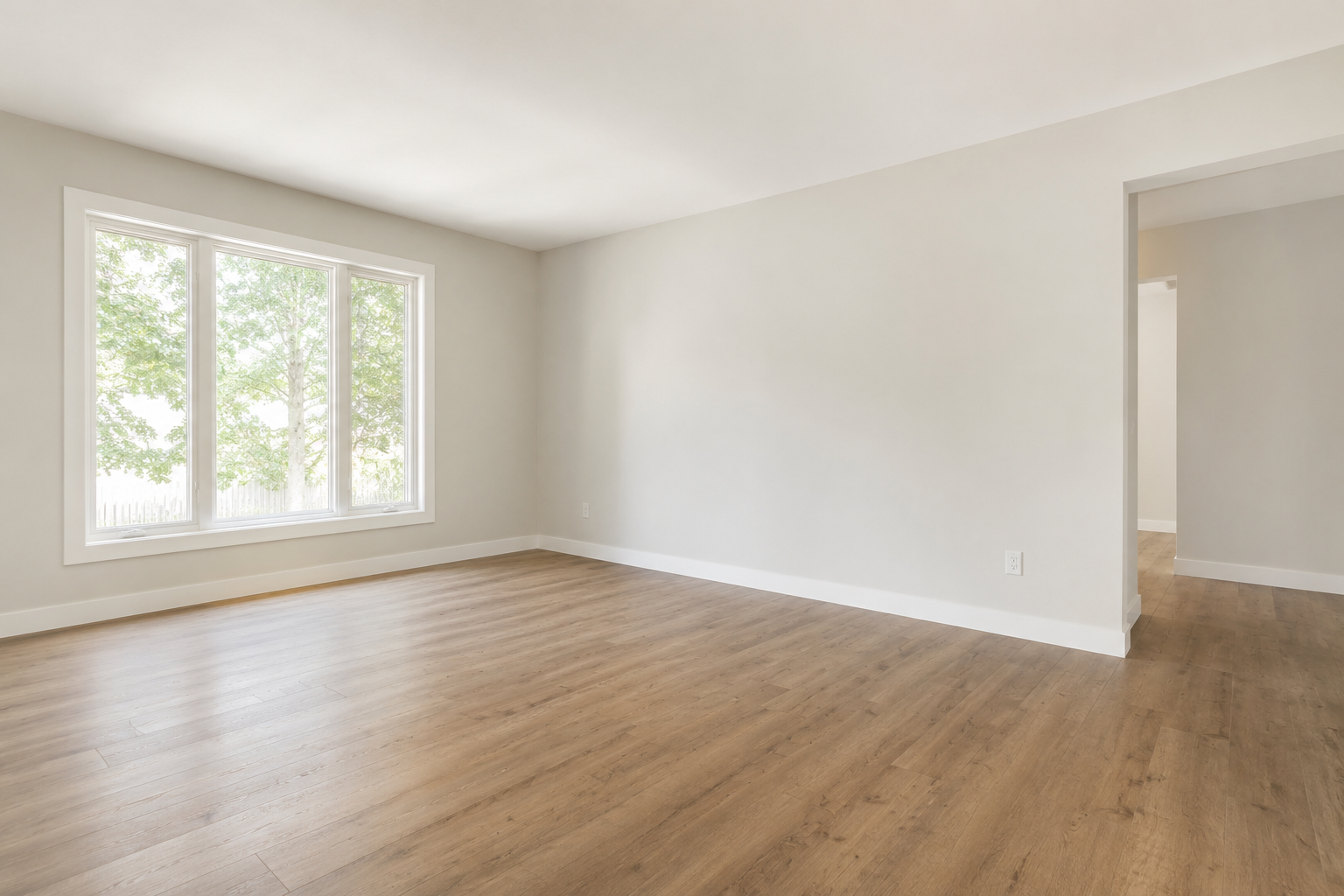
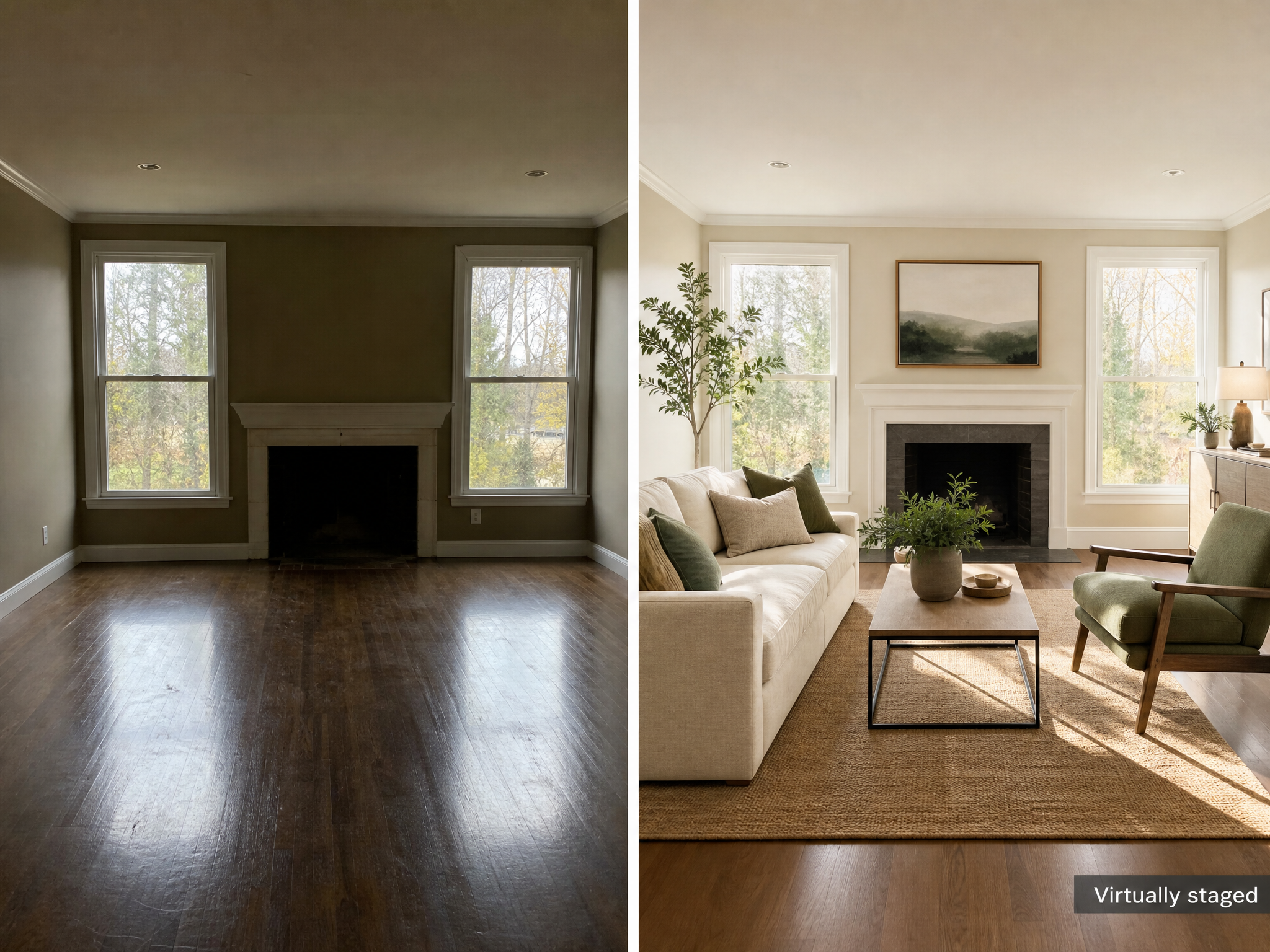 Virtually staged
Pale wood, linen and light · White · oak · sage. Enhanced and staged outputs stay labelled “Virtually staged” / “Digitally enhanced”.
Step 4 · Highlight video
Bright and move-in ready
Virtually staged · marketing preview
Step 5 · Export Listing Pack
Bundle the copy, feature list, staged image and disclaimers into a print-ready Listing Pack.
Generate your listing copy first to enable export.